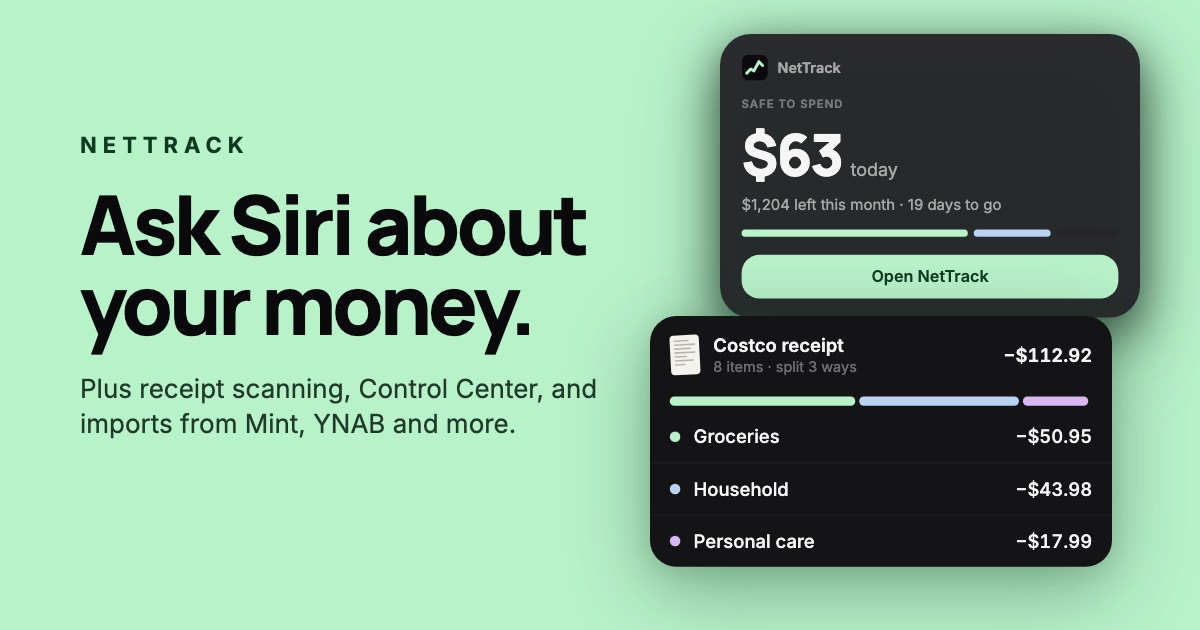
The fastest way to check on your money shouldn't be opening an app and tapping through three screens. This release puts NetTrack where you already are: in Siri, in Control Center, on your Lock Screen and home screen, and in the receipt you're holding. It also makes it easy to bring years of history with you, and to take it all with you whenever you like. Here's what's new in NetTrack 1.6.20.

Ask Siri about your money
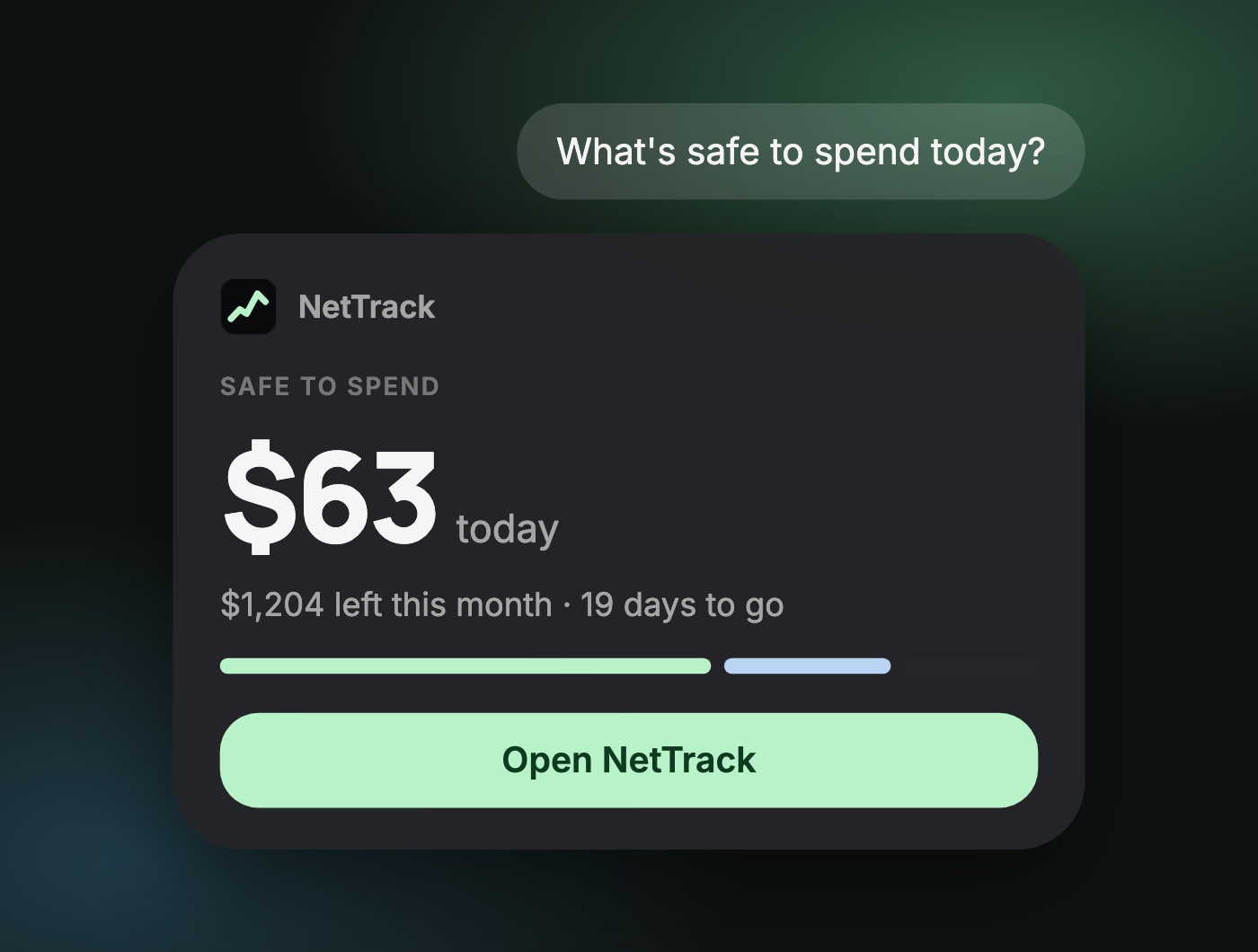
On iPhone, you can now just ask. "What's my net worth?" "How much did I spend on groceries this month?" "What's safe to spend?" NetTrack answers with your net worth, account balances, spending, Safe to Spend, upcoming bills, your monthly recap, and how many transactions are waiting for review.
The answer shows up on screen, and the amounts are never spoken out loud, so you can ask on the train without announcing your balance to everyone around you.
Spotlight knows about NetTrack too. Search for a category, an account or a goal and jump straight to it.
Scan a receipt, split it in one tap
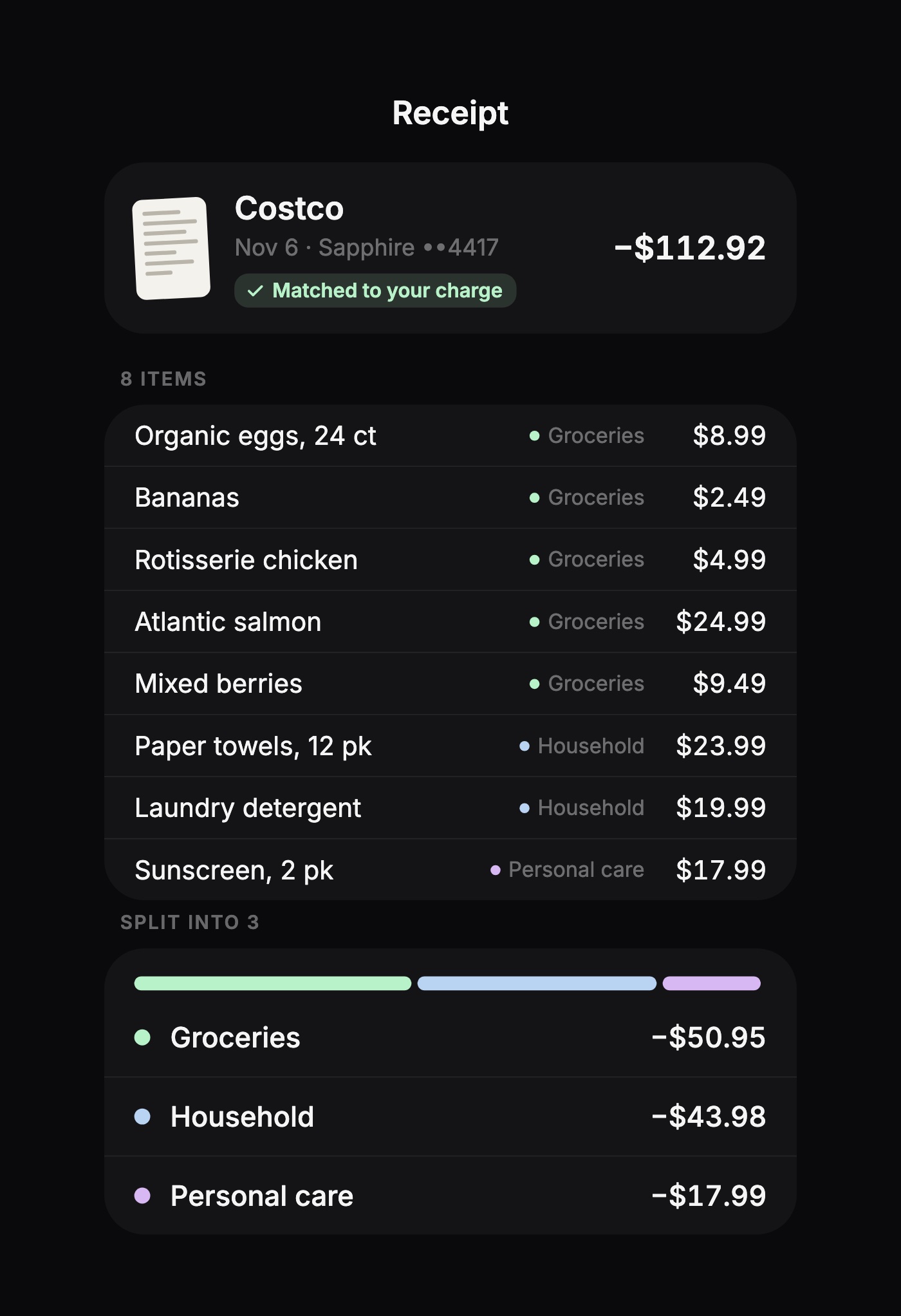
Scan a paper receipt with your camera, or pick one from Photos. NetTrack reads every line item, finds the charge it belongs to, and suggests a split by category. One tap and that big-box run becomes groceries, household and personal care, instead of one lump that throws off three budgets.
The receipt photo is saved on the transaction, so the next time you're wondering what that charge was, the answer is one tap away. No matching charge yet? Add the receipt as a new transaction and it's done.
NetTrack in Control Center and on your Lock Screen
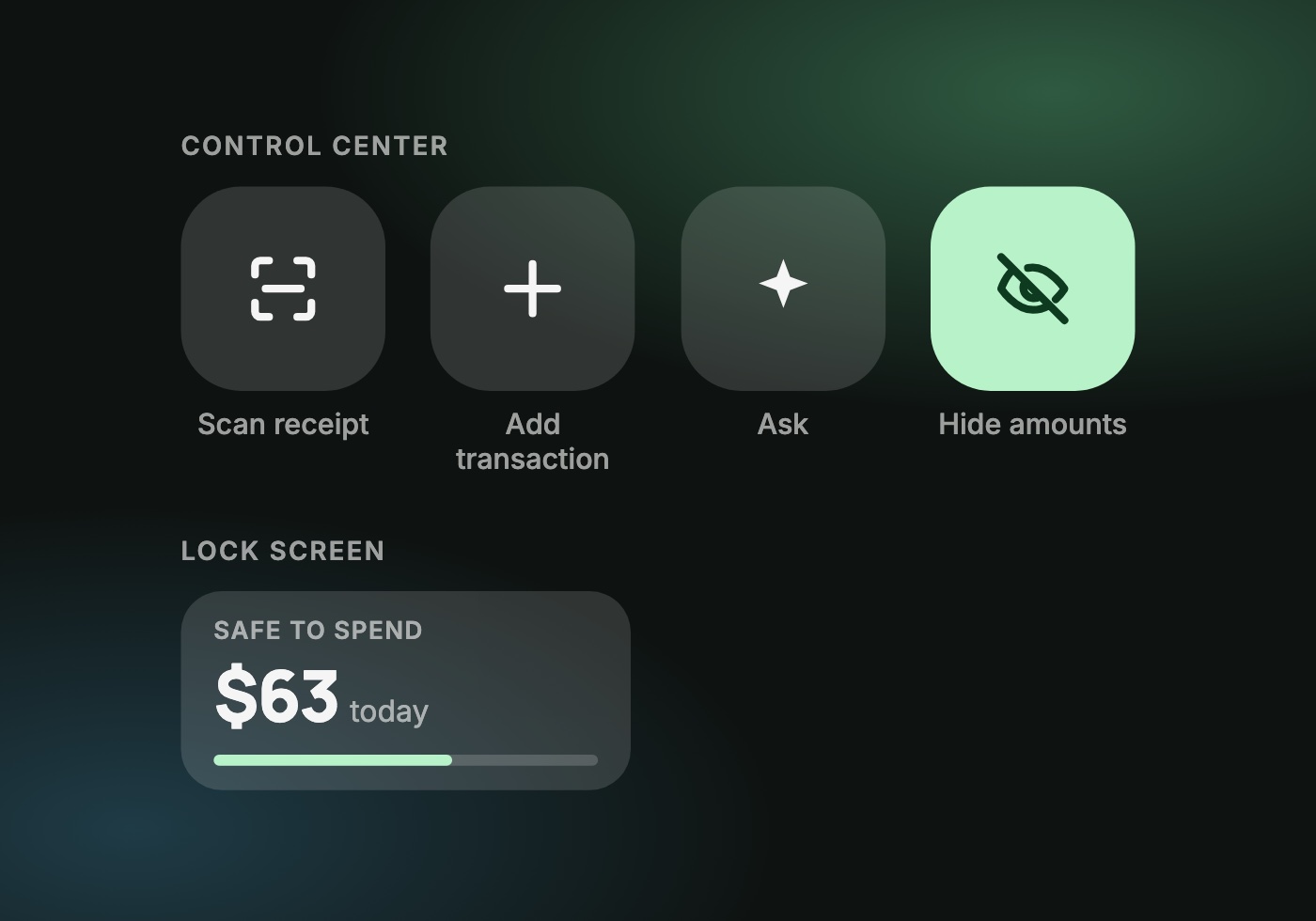
On iPhone, add NetTrack's controls to Control Center, the Lock Screen or the Action button:
- Scan receipt opens straight to the camera.
- Add transaction gets a cash purchase logged before you forget it.
- Ask jumps into a question about your money.
- Hide amounts hides your balances before you hand your phone to someone. Changing it asks for Face ID first.
There's also a new Safe to Spend Lock Screen widget, so the one number you check most is there before you even unlock.
Widgets on Android
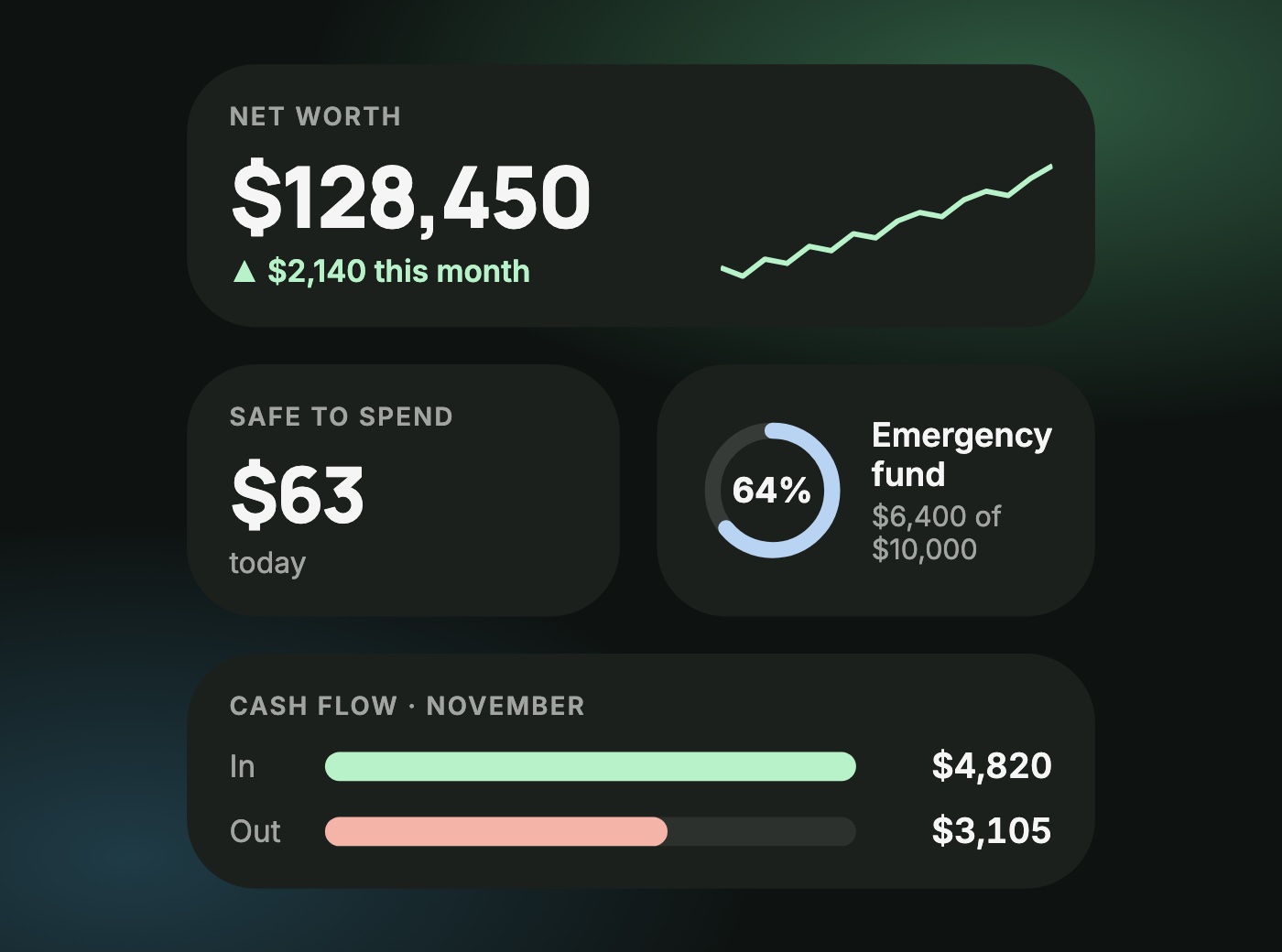
Android gets home screen widgets for the first time: net worth, cash flow, Safe to Spend and a goal widget, each sized the way you like.
Bring your history with you
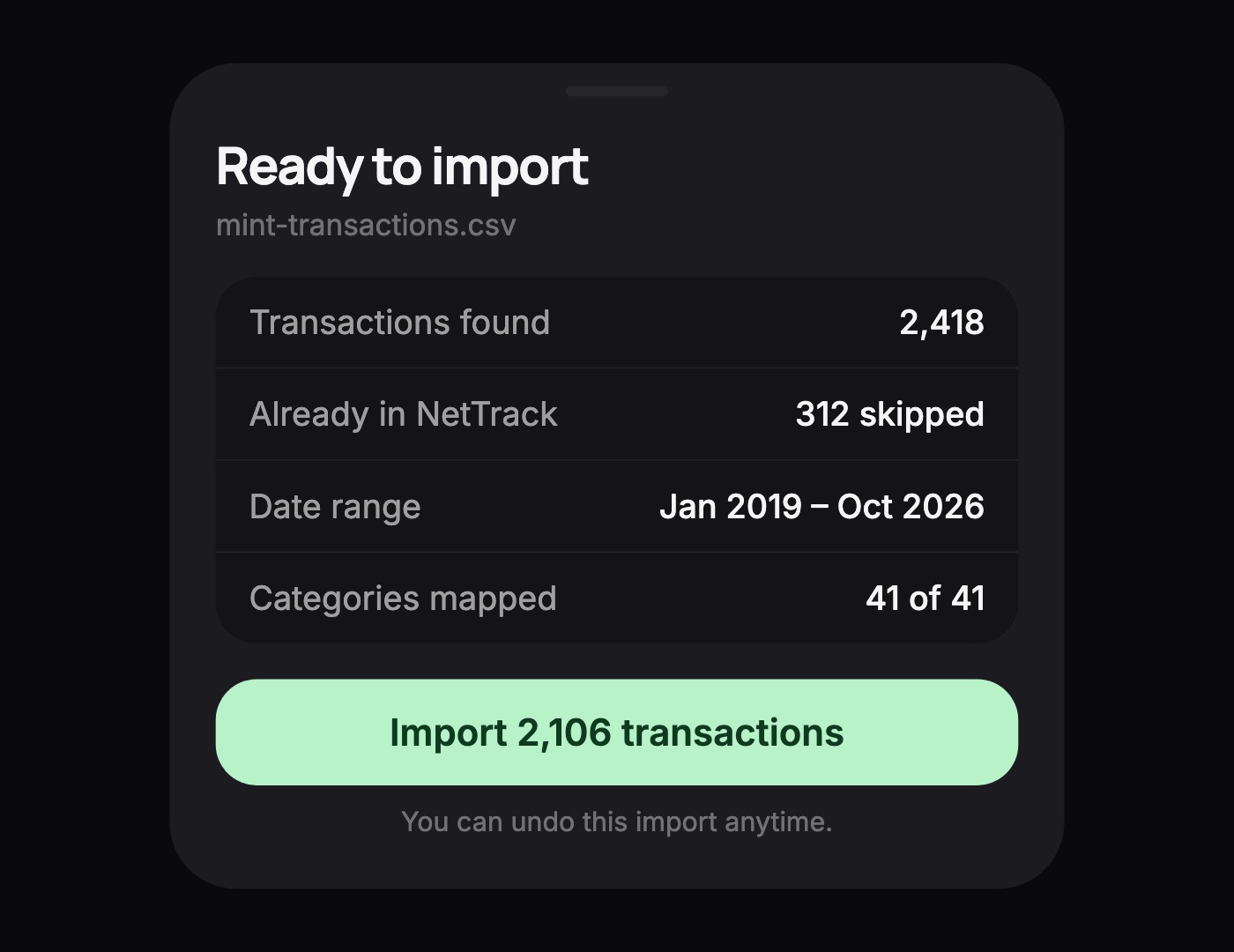
Switching money apps shouldn't mean starting from zero. Go to Settings and import your transactions from Mint, YNAB, Monarch, Copilot or any bank's CSV export. NetTrack shows you a preview first, skips anything it already has from your linked accounts, and maps the categories onto yours. Changed your mind? Undo the whole import in one go.
It works the other way too. Export your transactions as a CSV, filtered by date and account, or download a ZIP of everything: transactions, accounts, balance history, budgets, categories and rules. Your data is yours, and import and export are free for everyone.
Smarter budgets
- Safe to Spend that adds up: the number at the top now matches what your categories say is left, so they never disagree.
- Bars that track what's left since you last added money: move money into a category mid-month and its bar resets to show what you've spent since then, not since the 1st.
- Savings goals show progress: savings categories now fill up toward your target instead of draining like a spending budget.
Notifications that behave
On iPhone, NetTrack notifications are grouped by type, so a week of recaps doesn't bury a bill reminder. Bill alerts are marked time-sensitive, so they can reach you through Focus, while recaps and milestones arrive quietly.
On Android, every kind of notification gets its own channel. Turn off milestones and keep bill reminders, right from your phone's settings.
And more
- A new in-app support hub: message us, follow your conversations and suggest features without leaving NetTrack.
- A short What's new tour after each update, so you never miss a feature.
- Lots of fixes and performance improvements.
Get the update
Update NetTrack from the App Store or Google Play. Receipt scanning is part of NetTrack Pro, as are Siri's answers about budgets, Safe to Spend and goals, and you can try all of it free. Import and export are free for everyone.
Something still needs a workaround? Tell us through the new support hub in the app, or the contact page. Most of this release started as a reply to one of our emails.